
Manage Mac Login Items and Review Unwanted Apps
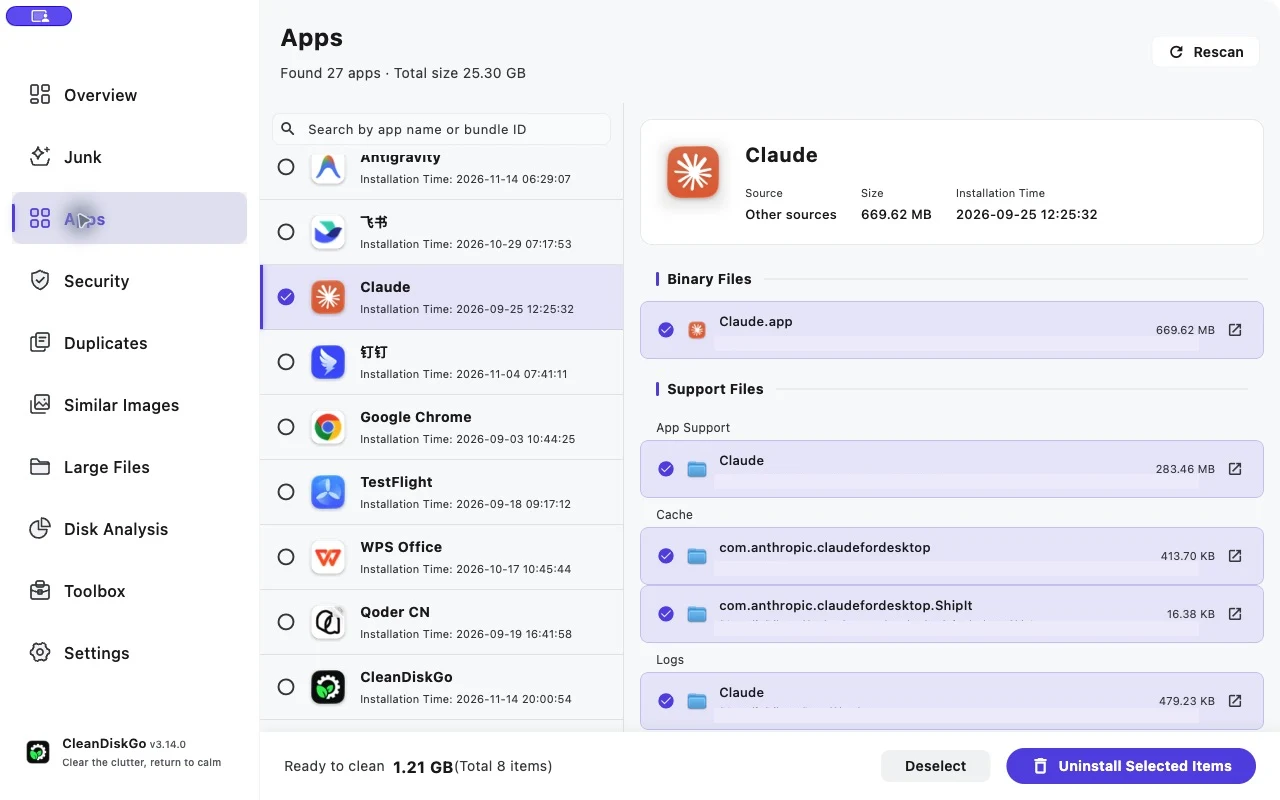
Apps that open at sign-in can add work to your Mac's startup. Storage cleanup and login-item management solve different problems.
Use macOS controls first
Open System Settings → General → Login Items; newer macOS versions may call this Login Items & Extensions. Review Open at Login and background activity. Disable one recognized, unnecessary item at a time, then restart to check the result.
Do not disable backup, security, synchronization or device helpers unless you understand their purpose. A background item is not automatically malware.
Review apps you no longer use
CleanDiskGo's Apps view can help inspect installed applications and their related files. If an app is no longer needed, use its vendor's uninstall instructions where available. Do not assume removing an app cancels its subscription.
Avoid manually deleting LaunchAgents or LaunchDaemons to chase faster startup. See the login items guide.
Start Cleaning Your Mac
Download CleanDiskGo for free and give your Mac a fresh start