
Duplicate File Finder for Mac: Review Redundant Copies
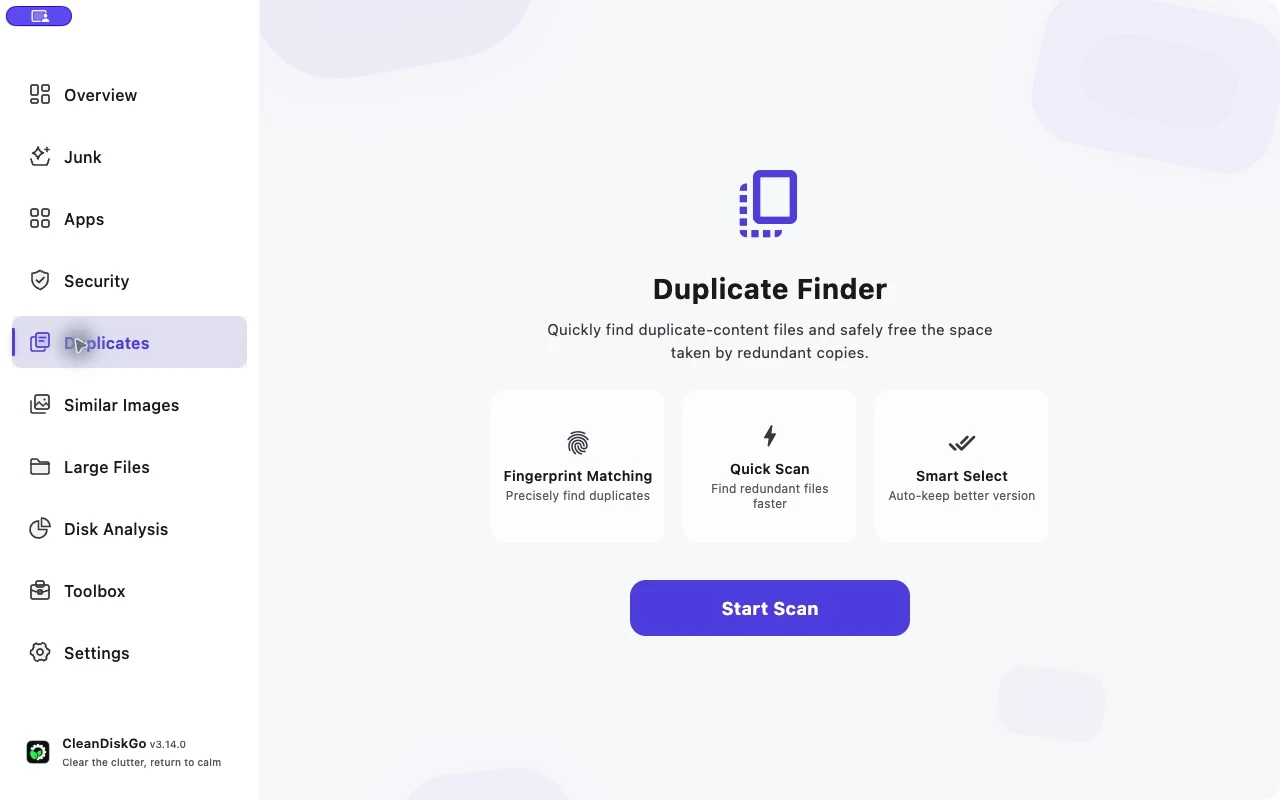
Repeated downloads, exports and copied folders can waste space. CleanDiskGo provides a dedicated duplicate-content workflow so you can review redundant copies together.
Find duplicates with a clear keep rule
- Open Duplicates and start a scan of locations you can access.
- Review each group and compare file locations.
- Keep the copy in the folder you actually use; check selections even when using Smart Select.
- Back up important work before confirming removal.
Duplicate is not the same as similar
Two photos can look alike while containing different pixels, metadata or edits. Use Similar Images for visual similarity and inspect those results separately. Do not manually remove files from inside a Photos library package.
Project folders, backups and app libraries may need copies in multiple locations. A duplicate result is a reason to review, not proof that a file is unnecessary.
Read the duplicate files guide for manual alternatives.
Start Cleaning Your Mac
Download CleanDiskGo for free and give your Mac a fresh start
Privacy Safe
Local Processing
Free to Use