
How to Review Duplicate and Similar Photos on Mac
CleanDiskGo Team · Updated 2026-11-15
Choose the right workflow
A byte-for-byte duplicate and a visually similar photo are different. Crops, edits and different resolutions may all be worth keeping.
For a Photos library
Use the Photos app's built-in duplicate review when available. Give the library time to analyze its contents and review the proposed merge. Check iCloud synchronization and recovery behavior before confirming changes.
Do not open the library package and delete files manually: the library maintains its own database and file relationships.
For ordinary image folders
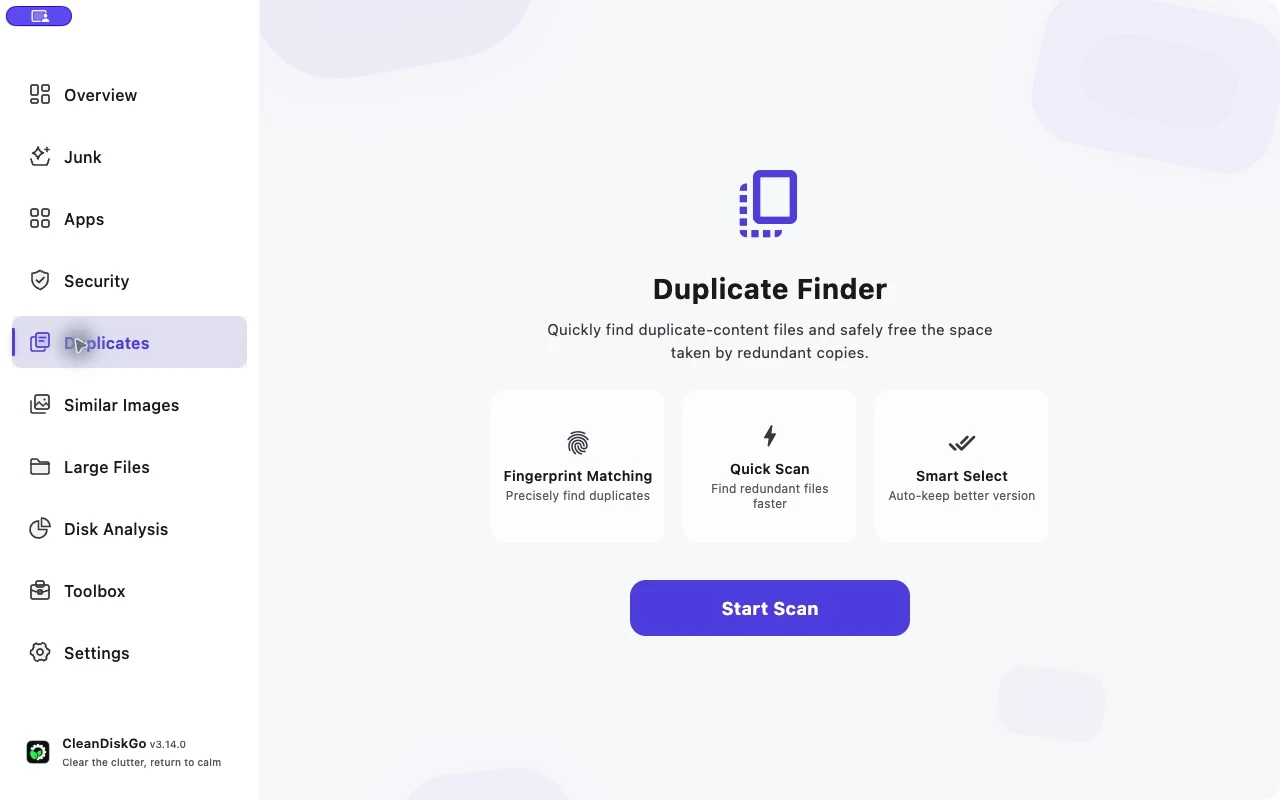
CleanDiskGo has separate Duplicates and Similar Images workflows. Inspect file paths and previews; keep original-quality images and any edits you need. Review suggested selections instead of accepting them blindly.
Before removal
Back up important images, check whether folders are synchronized and retain at least the intended original. See duplicate file review for a keep rule.
Start Cleaning Your Mac
Download CleanDiskGo for free and give your Mac a fresh start