
Reduce Mail Storage on Mac: Review Attachments Safely
Mail attachments can exist in messages, local Mail storage and separately saved downloads. Removing one copy does not necessarily remove the others.
Start inside Mail
Review large messages and save attachments you need before removing anything. Use Mail's junk and deleted-items controls only after checking their contents. With IMAP or iCloud, message deletion can synchronize to your other devices.
Where CleanDiskGo fits
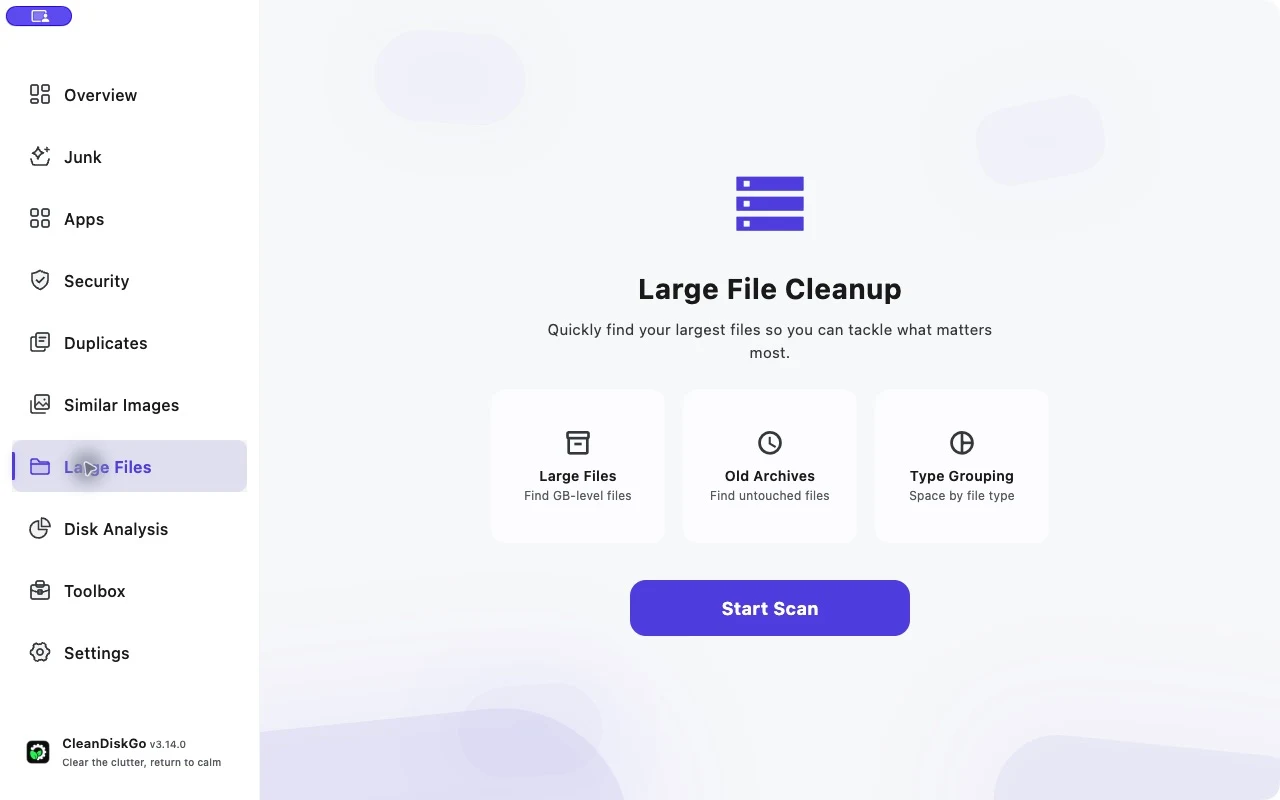
Use Large Files to inspect attachments you saved into ordinary folders, or Junk to review categories actually found by your scan. Do not assume the app can access every mailbox or directly manage server-side messages.
Never delete the entire Mail data folder as a shortcut. Keep account recovery details and backups available before major mailbox changes.
Read how to reduce Mail storage for a step-by-step review.
Start Cleaning Your Mac
Download CleanDiskGo for free and give your Mac a fresh start