
Mac Log Cleanup: Review Logs Without Losing Useful Evidence
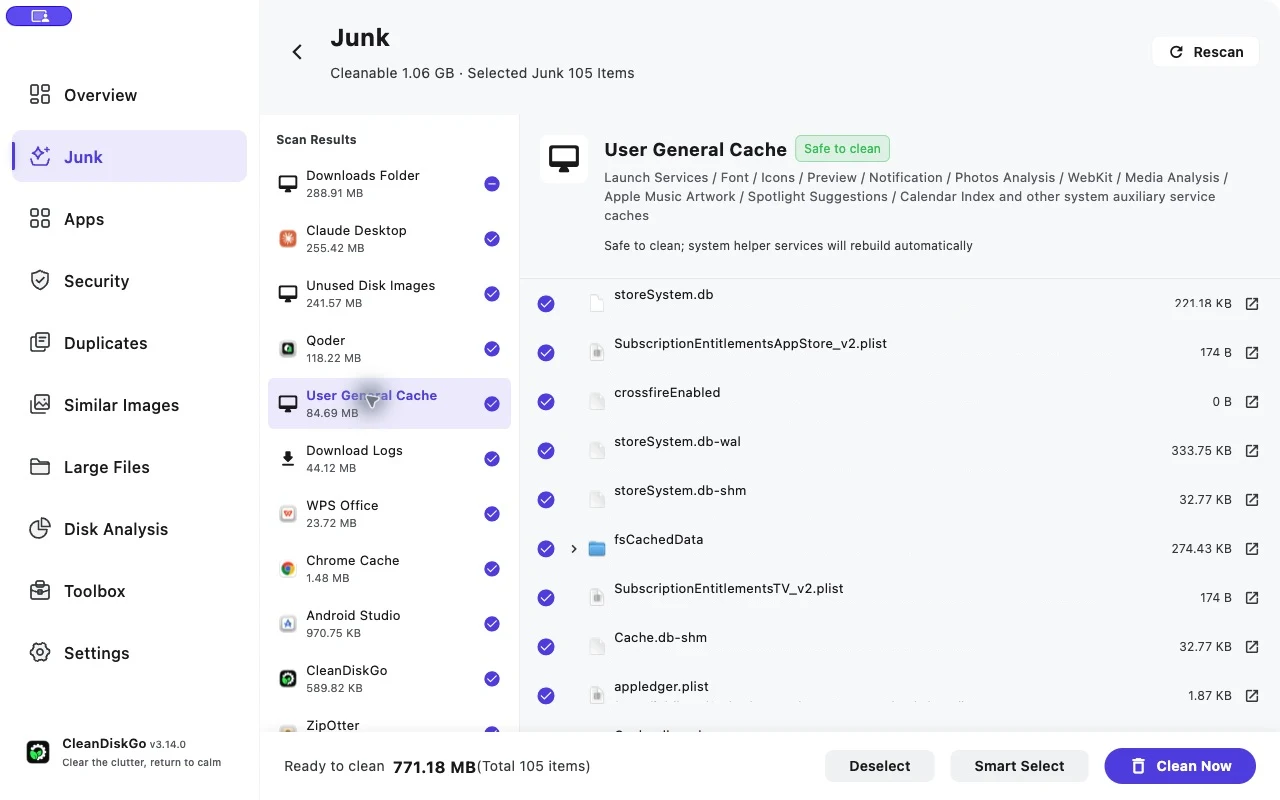
Logs record what applications and macOS are doing. They are useful for diagnosing crashes and errors; small log files rarely explain a full disk.
When to investigate
If a log grows repeatedly, identify the application producing it and address the error. Deleting the log alone does not fix the cause.
Review with CleanDiskGo
Run a Junk scan, open a log category that appears and inspect its size and paths. Preserve reports needed for a support case. Quit the related application before removing files you have confirmed are unnecessary.
Do not clear all system logs or remove folders you do not understand. Protected locations may be inaccessible, and that is not a reason to weaken macOS security.
Use the system logs guide and the storage guide to decide what deserves attention.
Start Cleaning Your Mac
Download CleanDiskGo for free and give your Mac a fresh start