
Can You Delete DMG and PKG Installers on Mac?
CleanDiskGo Team · Updated 2026-11-15
Installer versus installed app
A downloaded DMG or PKG is often separate from the installed application. Confirm the app is installed and launches from Applications before removing the download.
Review in Finder
- Open Downloads and inspect disk images and installer packages.
- Eject mounted disk images when you have finished using them.
- Keep installers required for offline use, licensed legacy versions or recovery.
- Move only confirmed unwanted downloads to Trash and review before emptying it.
Do not remove application packages or components just because their filenames look like installers. If a vendor's instructions require retaining a file, follow those instructions.
Use large-file review
CleanDiskGo's Large Files view can help identify sizable downloads. Check each location and purpose. Age and size do not prove that a file is disposable.
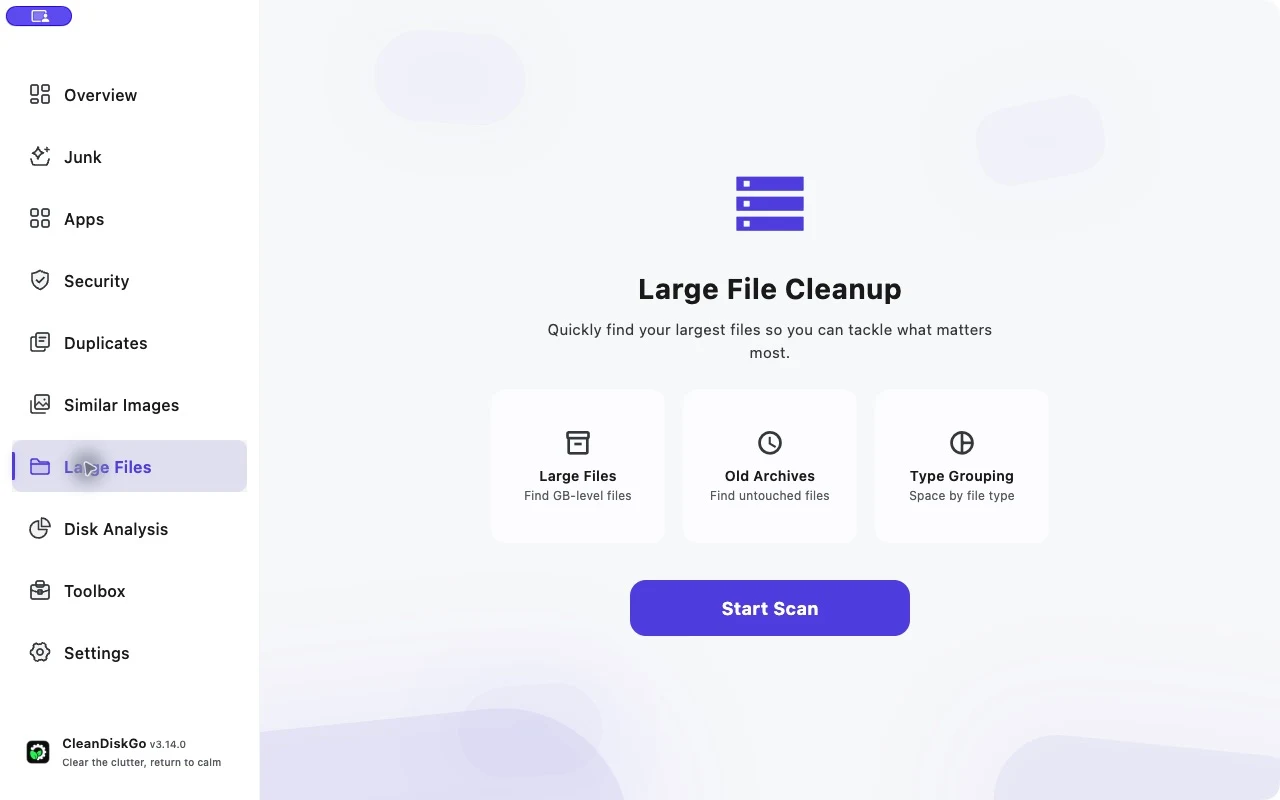
See the large-file guide for Finder search steps.
Start Cleaning Your Mac
Download CleanDiskGo for free and give your Mac a fresh start
Privacy Safe
Local Processing
Free to Use